Advertisements
Did you know that roughly one-third of adults don’t get the recommended seven hours of sleep per night? I was definitely one of them — until my Samsung Galaxy Watch basically called me out on it. Honestly, I had no idea how bad my sleep habits were until I started using the sleep tracking feature, and let me tell you, it was a wake-up call (pun totally intended)!
Samsung Galaxy Watch sleep tracking has become one of the most talked-about features in the wearable tech world, and for good reason. Whether you own a Galaxy Watch Ultra, Watch 7, or even an older model like the Watch 5, the sleep insights you get are surprisingly detailed. So let me walk you through everything I’ve learned from actually wearing this thing to bed for months.
How Samsung Galaxy Watch Sleep Tracking Actually Works
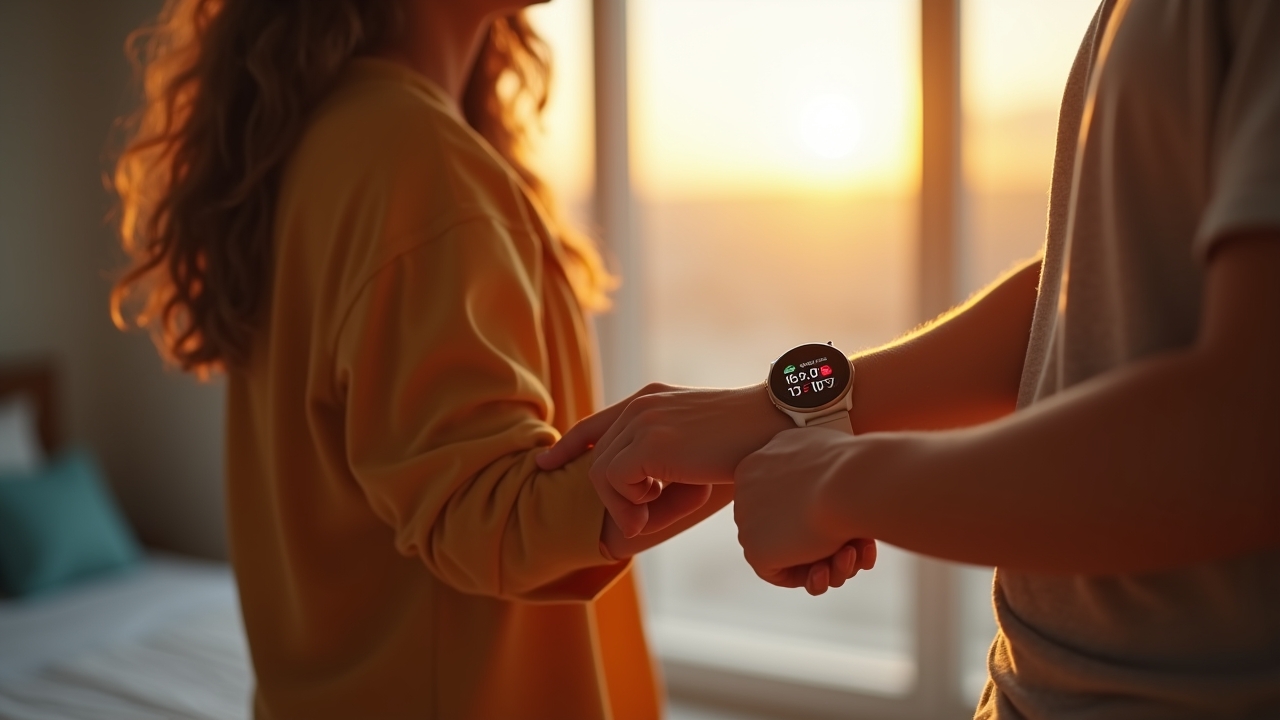
The Galaxy Watch uses a combination of its accelerometer, heart rate sensor, and blood oxygen (SpO2) monitoring to figure out what’s going on while you’re knocked out. It detects your sleep stages — awake, light sleep, deep sleep, and REM sleep — and logs them into the Samsung Health app on your phone. The whole process is automatic once you enable it, which I appreciate because I’m terrible at remembering to start things manually.
One thing that surprised me was the snoring detection feature. You gotta turn it on separately and leave your phone near your pillow with the microphone active. I found out I snore way more than I thought — my wife had been telling me for years, but seeing the actual audio recordings was humbling, to say the least.
Setting It Up the Right Way (Learn From My Mistakes)
When I first got my Galaxy Watch 6, I just assumed sleep tracking would work perfectly out of the box. Nope. I wore the watch too loose and the heart rate sensor kept losing contact with my skin, which messed up the sleep stage data completely.
Here’s what I’d recommend based on my own trial and error:
- Wear the watch snug on your wrist — not tight, but firm enough that the sensor stays in contact with your skin.
- Enable “Blood oxygen during sleep” in Samsung Health settings for more accurate readings.
- Turn on snoring detection if you’re curious (or brave enough).
- Make sure your watch has at least 30% battery before bed — mine died at 3 AM once and I lost half a night’s data.
- Set your sleep schedule in the app so the watch knows when to start tracking more aggressively.
Understanding Your Sleep Score and What It Means
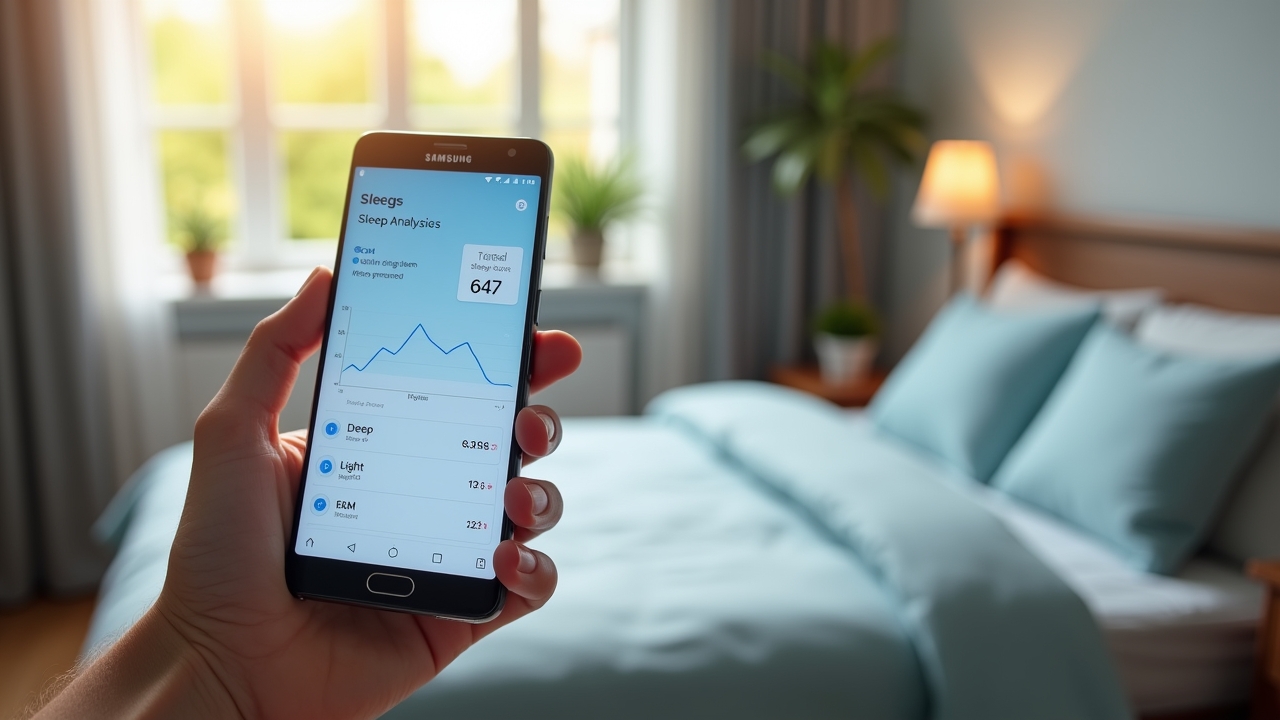
Samsung Health gives you a sleep score out of 100, and honestly, seeing a 58 on a Monday morning hits different. The score is calculated based on total sleep time, sleep cycle regularity, time in each sleep stage, and how many times you were physically restless or woke up. It’s been pretty eye-opening for understanding my overall sleep quality.
Advertisements
I noticed my deep sleep numbers were consistently low — like embarrassingly low. After doing some research on the Sleep Foundation’s guide to sleep stages, I realized my late-night coffee habit was probably the culprit. Cutting caffeine after 2 PM bumped my deep sleep from about 20 minutes to nearly 50 minutes within two weeks. That was a genuine triumph moment for me.
Sleep Coaching With the Galaxy Watch
One feature that doesn’t get enough love is the sleep coaching program built into Samsung Health. It assigns you a “sleep animal” — I got the Nervous Penguin, which felt personally attacked but was accurate. Over a four-to-five week guided program, it gives you personalized tips and challenges to improve your habits.
Was it life-changing? Maybe not. But it did help me establish a more consistent bedtime routine, which the data confirmed was making a difference in my REM sleep duration.
Is It Accurate Enough to Trust?
Let’s be real — a wrist-worn wearable isn’t going to match a clinical polysomnography test. But for everyday tracking, the Samsung Galaxy Watch does a solid job. A study published on PubMed found that consumer wearables are getting increasingly reliable for detecting sleep stages, even if they’re not perfect. I’d say it’s accurate enough to spot trends and bad habits, which is really the whole point.
Where it sometimes struggles is nap detection and distinguishing between lying still watching TV versus actually sleeping. I’ve had a few “sleep sessions” logged while I was just binge-watching a show on the couch. A little annoying, but you can delete those manually.
Your Sleep Data Is Just the Starting Point
Look, the Samsung Galaxy Watch sleep tracking feature won’t magically fix your sleep. But it gives you the data to actually understand what’s happening, and that awareness is powerful. I went from averaging five and a half hours to consistently hitting seven, and my sleep score went from the mid-50s to the high 70s — all because I could finally see the patterns.
Play around with the settings, experiment with your routines, and don’t get discouraged by a bad night here and there. Also, remember that if you’re dealing with serious sleep issues like sleep apnea, a smartwatch is not a substitute for professional medical advice — always talk to your doctor.
If you found this helpful, we’ve got a bunch more posts on sleep tech, wellness tips, and honest wearable reviews over at Sleepora Lab. Go check them out — your future well-rested self will thank you!